---
schema_version: "1"
id: 17b38a4800ef5b6d0cff94896e794f8f8425f16de85e568f80585466824d9e97
title: Delete an Object from a Union
collection: admin
version: current
locale: en-us
portal_url: https://docs.salesforce.com/admin/current/en-us/analytics/264-0-0/c360_a_sl_unions_obj_delete.md
canonical_url: https://help.salesforce.com/s/articleView?id=analytics.c360_a_sl_unions_obj_delete.htm&release=264.0.0&type=5
source_site: help.salesforce.com
content_type: documentation
content_hash: fd899a36fe0259bd646c8e872891390974dfd5e1034bea14f5d141d3e9798d74
description: You can remove an object from the unified table if it is not connected to another object or if it is not being used by another semantic definition. For example, if the object is being used in a calculated field, you cannot remove it from a union. You can also delete the entire union. Removing an object affects the selected matching fields. If only two matching fields exist, removing the DMO eliminates the match entirely, because a single field cannot remain matched.
products:
- Data 360
release: "264"
---
# Delete an Object from a Union
You can remove an object from the unified table if it is not connected to another object or if it is not being used by another semantic definition. For example, if the object is being used in a calculated field, you cannot remove it from a union. You can also delete the entire union. Removing an object affects the selected matching fields. If only two matching fields exist, removing the DMO eliminates the match entirely, because a single field cannot remain matched.
### Required Editions
1. In Data Cloud, on the Semantic Layer tab, select a data model.
2. Edit a logical view that has a union.
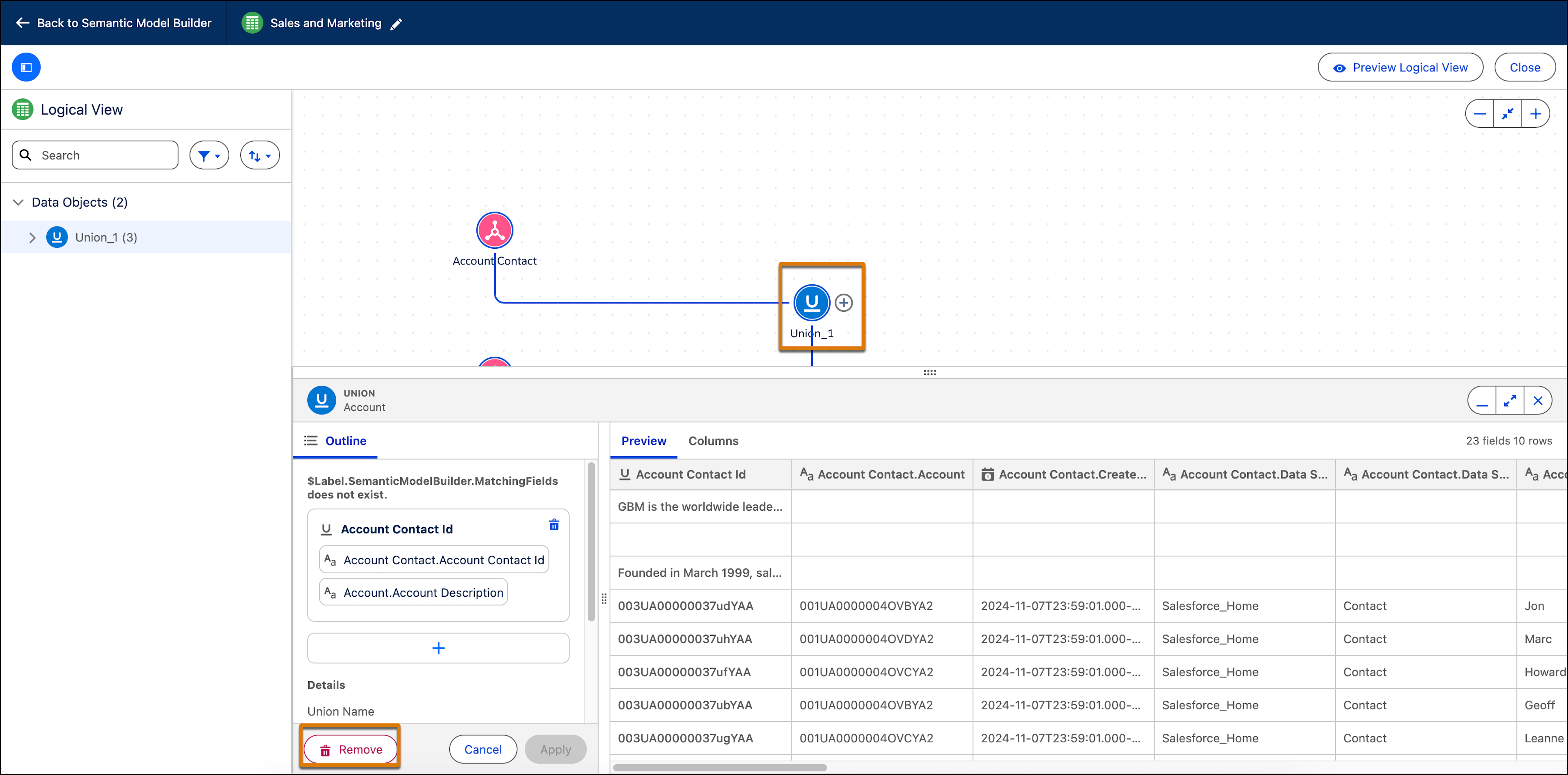
3. Click on the object you want to remove and from the bottom pane, click **Remove Object**.
4. To remove a union, click on the union and then click **Remove**.