---
schema_version: "1"
id: 23bc3b8ba393fdd4567aa3c314826383cb40fcd7f75185095a46c4411f88b1dd
title: Create a Semantic Model from a Data Kit
collection: admin
version: current
locale: en-us
portal_url: https://docs.salesforce.com/admin/current/en-us/analytics/264-0-0/c360_a_sl_data_models_create_from_data_kit.md
canonical_url: https://help.salesforce.com/s/articleView?id=analytics.c360_a_sl_data_models_create_from_data_kit.htm&release=264.0.0&type=5
source_site: help.salesforce.com
content_type: documentation
content_hash: 4a532e9b83b9cf63fe3a5f4ab6e1551c6a106dbec97f0a8498e5b3f2abd99822
description: To create consistent semantic models, use a data kit. A data kit includes all the semantic definitions, such as the data objects, their relationships, parameters, calculated fields, and metrics. However, a data kit doesn’t include dependencies like data streams and calculated insights.
products:
- Data 360
release: "264"
---
# Create a Semantic Model from a Data Kit
To create consistent semantic models, use a data kit. A data kit includes all the semantic definitions, such as the data objects, their relationships, parameters, calculated fields, and metrics. However, a data kit doesn’t include dependencies like data streams and calculated insights.
### Required Editions
To learn more about data kits in Data 360, see [Data Kits](https://help.salesforce.com/s/articleView?id=data.c360_a_data_package_kits.htm&type=5&language=en_US). You can also create a data kit from a semantic model using the standard Salesforce packaging. See [Create a Data Kit](https://help.salesforce.com/s/articleView?id=data.c360_a_data_stream_bundle_package_kits.htm&type=5&language=en_US).

Note Before deploying a data kit, ensure that every data object it references is available in the target data space or organization.
1. In Data Cloud, on the Semantic Layer tab, click **New Model**.
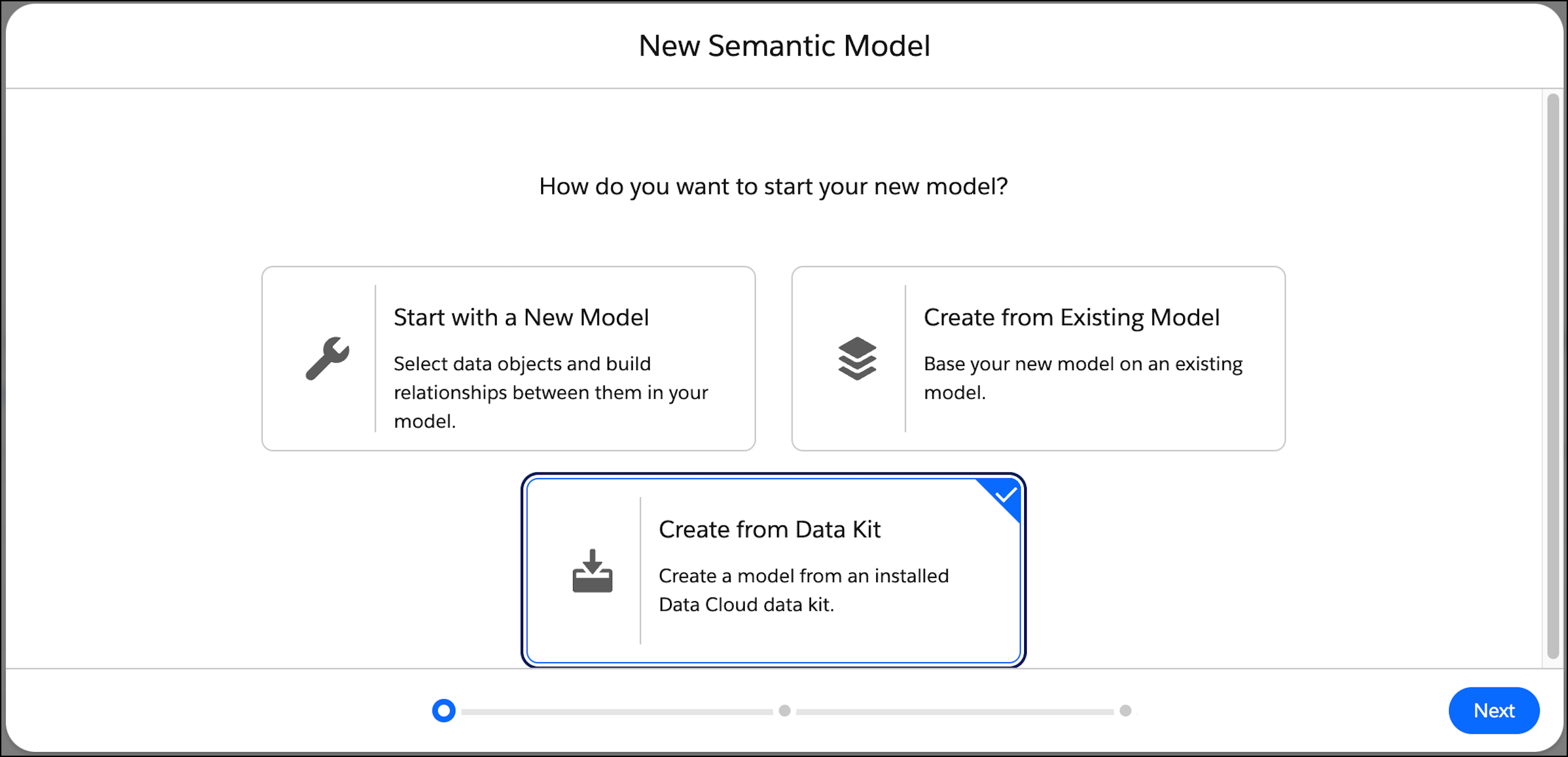
2. Select **Create from Data Kit** and then click **Next**.
The available data kits are listed.
3. Select the data kit that includes the semantic model that you want to use.
4. Select the semantic model, and click **Next**.
5. Select the data space for the semantic model, and enter an optional description.

Note A model can have only one data space. See [How to Manage Data Spaces in Data Cloud](https://help.salesforce.com/s/articleView?id=data.c360_a_data_spaces.htm&type=5&language=en_US).
6. By default, the model name and API name are derived from the original semantic model. Changing the API name can break definitions and cause inconsistency with newer versions. If you are certain that you want to change the API name, select **Override API Name**.