
After you build or update a Help Agent, run tests to evaluate the agent’s performance and accuracy. For example, you can compare the agent's actual response to the expected one. In Testing Center (Beta) in Agentforce Studio, you can build test suites and run multiple test scenarios simultaneously. A test suite run can catch intermittent bugs, like skipped actions and even things missed while previewing the agent.

Tip Given that you can run a test suite against different agent versions, check
the versions before comparing the results.
-
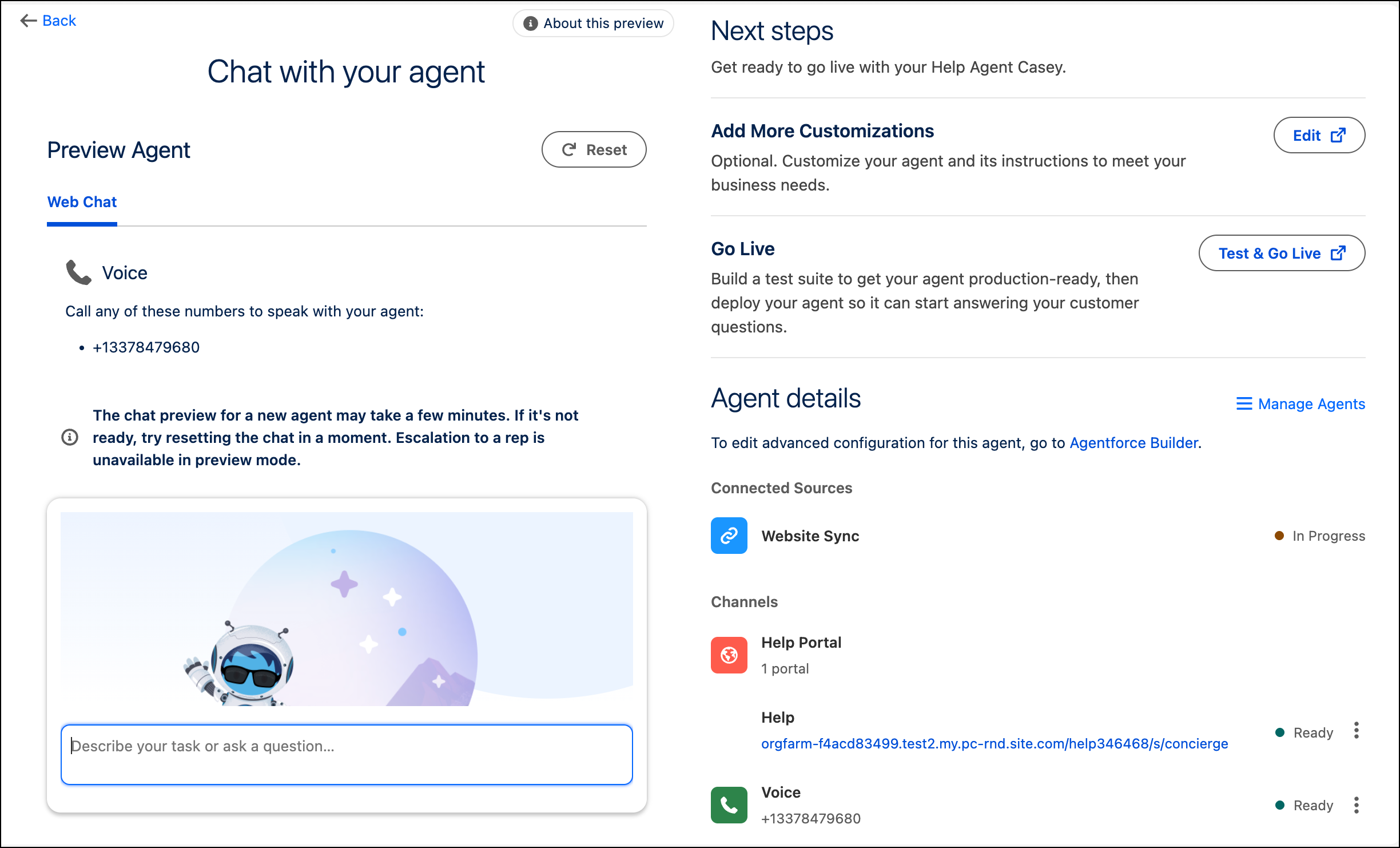
To test your agent before deploying it to production, in the Chat with Your Agent page,
click Test & Go Live.
The Tests tab opens.
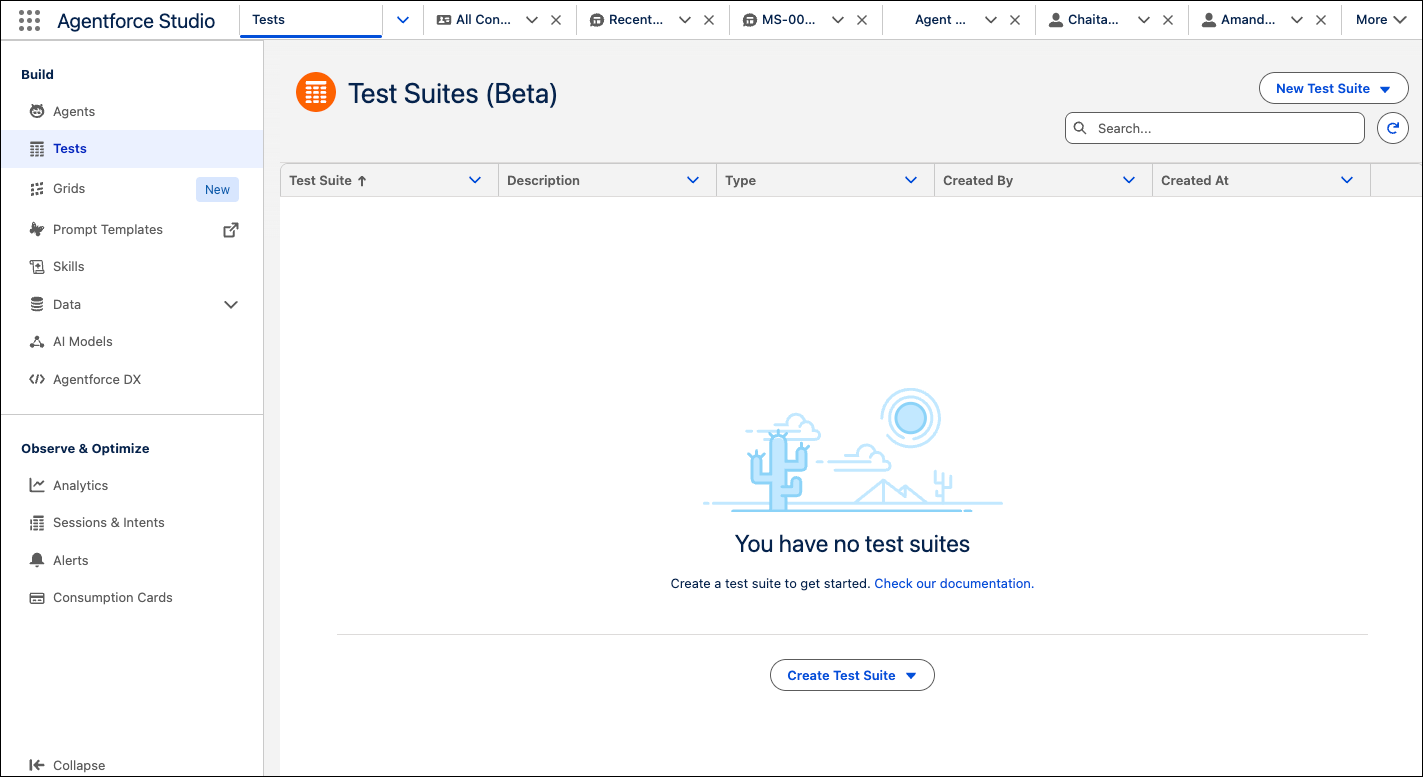
- In Test Suites (Beta) of Agentforce Studio, click Create Test Suite, and the select Agent or Prompt Template.
- Create tests.