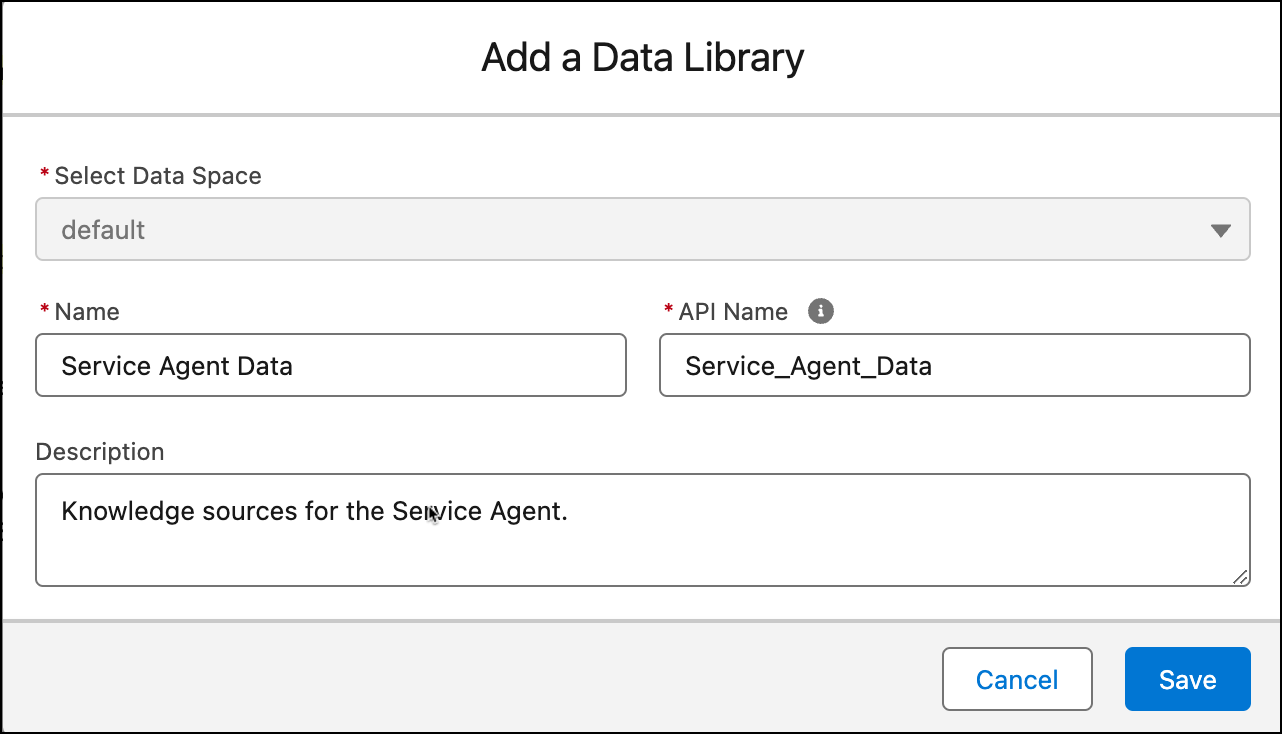
Create a data library and give it a unique name.
Required Editions
| Available in: Lightning Experience |
| Available in: Enterprise, Performance, and Unlimited Editions with the Einstein for Platform or Einstein or Agentforce for Sales or Service add-on, or Agentforce Foundations |
| User Permissions Needed | |
|---|---|
| To set up Agentforce Data Libraries: | Data Cloud admin AND System Administrator permissions. |
To use Agentforce Data Libraries, you must have Data 360 set up. Data libraries consume Data 360 credits.

Important Web search isn't supported for new data libraries. To search the web in
your agents, use the Search the Web standard action. To search the web in
your prompt templates, use the web retriever in Prompt Builder.