Use Testing Center in Agentforce Studio (Beta) to test AI agents or prompt templates at
scale. Test agents by simulating conversations across many scenarios at once. Or, test prompt
templates by running batch evaluations across many inputs. Apply scorers to quickly evaluate
responses and identify quality issues.
Required Editions
|
This article applies to:
|
New Testing Center in Agentforce Studio (Beta) |
|
This article doesn’t apply to:
|
Legacy Agentforce Testing Center in Setup |
| User Permissions
Needed |
| To create tests in the Testing Center: |
Manage Agentforce Grids
AND
Manage Agentforce Testing
|
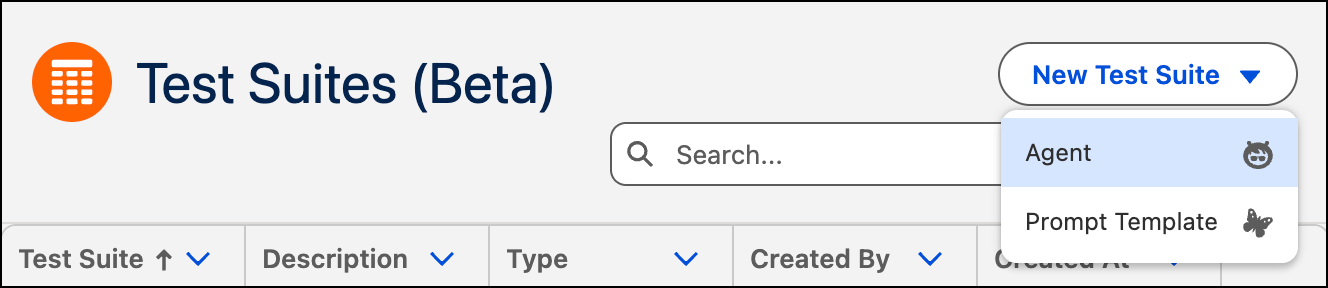
Testing Center in Agentforce Studio supports two types of batch testing: Test Agents or Test
Prompt Templates.
| If you want to test... |
Use... |
| An AI agent's conversations and responses |
Test Agents. Test your
agent across many conversation scenarios at once. You can write test cases manually,
generate them from your agent's subagents, actions, or knowledge sources, or automate
runs with the API. Then, evaluate responses with built-in and custom
scorers. |
| A prompt template's output quality |
Test Prompt
Templates. Test your prompt templates across many inputs at once. Upload a
CSV with your test cases and select scorers. Then, evaluate how the template responds
to each input. |