
Provide the test inputs your prompt template is evaluated against. Download a CSV template preconfigured for your prompt template's input variables, fill in your test cases, and upload it to run your evaluations.
Required Editions
| Available in: Lightning Experience |
| Available in: Enterprise, Performance, Unlimited, and Developer Editions. Required add-on licenses vary by agent type. |
| User Permissions Needed | |
|---|---|
| To create tests in the Testing Center: |
Manage Agentforce Grids AND Manage Agentforce Testing |
The CSV columns are derived from your prompt template's input variables, not a fixed schema. Each column maps to one of the template's inputs, so the data you provide reflects how your template is used in production.
-
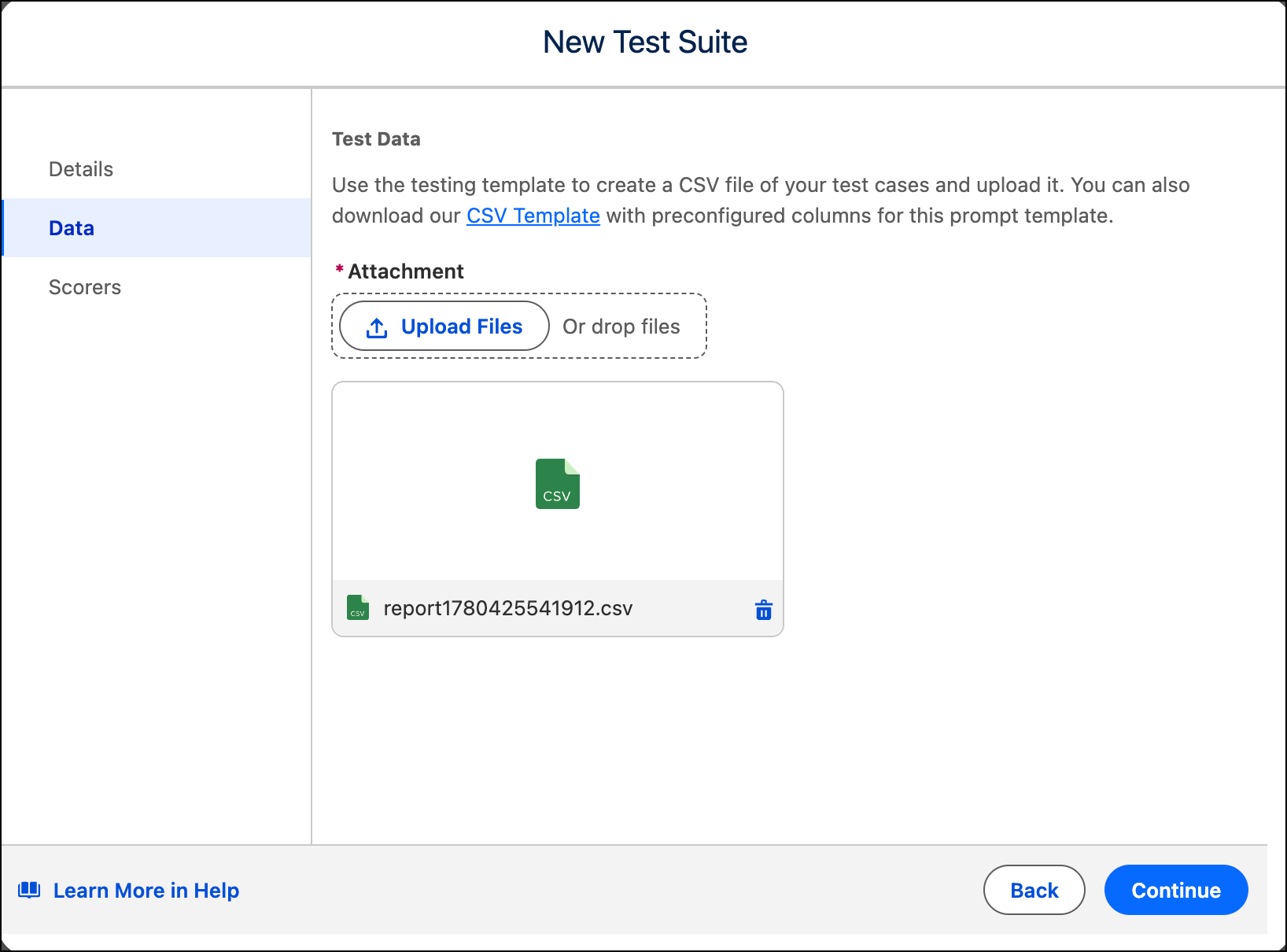
For Data, click CSV Template to download a CSV file with columns preconfigured for your selected prompt template's input variables.
-
Fill in the CSV. Each row is one test case.
 Important Test data must reference records that exist in your org. If an input variable expects a record ID — such as an account ID or case ID — that record must exist. If the record isn't found, the test fails for that row. Batch testing doesn't generate org records.Important If you plan to use the Response Match scorer, include an Expected Response column in your CSV now. After you upload the file, you can't add this column without uploading the file again.
 - Click Upload File, or drag and drop your CSV onto the upload area.
- Click Next.