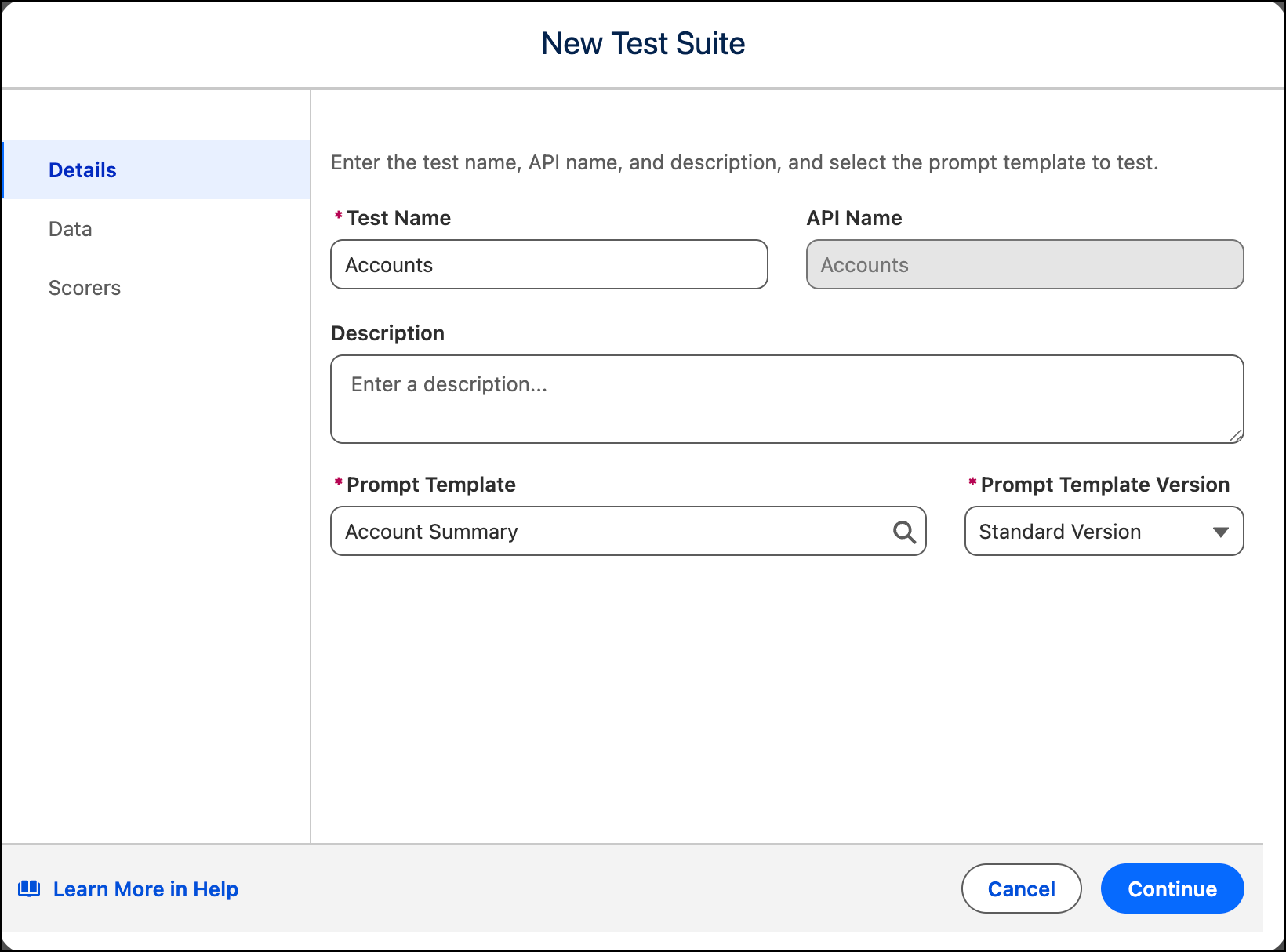
Start a batch test by naming your test suite and selecting the prompt template and version you want to evaluate.
Required Editions
You have a published prompt template with at least one active version.
| Available in: Lightning Experience |
| Available in: Enterprise, Performance, Unlimited, and Developer Editions. Required add-on licenses vary by agent type. |
| User Permissions Needed | |
|---|---|
| To create tests in the Testing Center: |
Manage Agentforce Grids AND Manage Agentforce Testing |
- In Agentforce Studio, go to Tests.
- Click the New Test Suite dropdown and select Prompt Template.
- Enter a Test Name and, optionally, a Description.The API Name generates automatically.
- Under Prompt Template, search for and select the template you want to test, then select the Prompt Template Version.
- Click Next.