
A test suite is the starting point for evaluating your agent. Name your test suite, select the agent to test, and choose whether you're evaluating individual responses or full end-to-end conversations.
Required Editions
 This article applies to: |
New Testing Center in Agentforce Studio (Beta) |
 This article doesn’t apply to: |
Legacy Agentforce Testing Center in Setup |
| Available in: Lightning Experience |
| Available in: Enterprise, Performance, Unlimited, and Developer Editions. Required add-on licenses vary by agent type. |
| User Permissions Needed | |
|---|---|
| To create tests in the Testing Center: |
Manage Agentforce Grids AND Manage Agentforce Testing |
- To begin tests from Agentforce Studio, select Tests. You’ll see your existing test suites including the agent and version each suite is configured to test. To create a test suite, select New Suite.
-
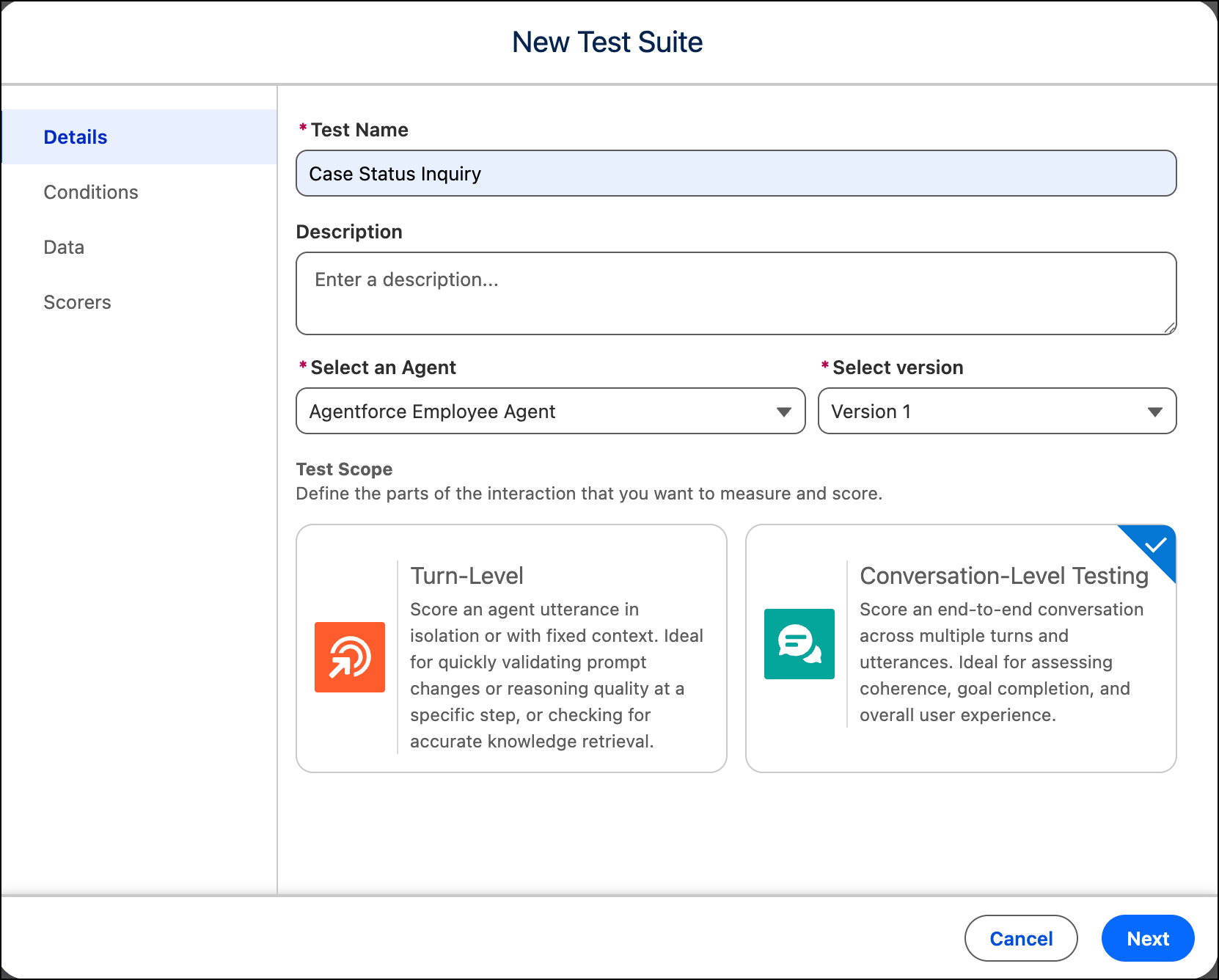
Enter a name. Optionally, add a description.
-
Select the agent and version you want to test.
 Note Agent version and testing considerations:
- The agent you select to test impacts the test conditions, type, and data available for testing. To generate test scenarios from your knowledge base, the agent must be linked to a data library containing that information. Similarly, to generate tests for subagents or actions, the agent must be assigned those subagents and actions.
- The version selector defaults to the latest version of your agent. To test a different version, select it from the dropdown.
- Switching versions clears the current results in the test worksheet, but previous results remain available in test run history.
- Your agent version must be committed to appear in the Testing Center.
- Draft agent versions and Agentforce Employee Agents aren't supported for conversation-level testing.
-
Under Test Scope, select how much of the interaction you want to
measure and score.
- Turn-Level. Evaluates a single agent response in isolation. Use turn-level testing to validate prompt changes, verify reasoning quality at a specific step, or confirm accurate knowledge retrieval.
- Conversation-Level. Evaluates a full multi-turn conversation from start to finish. Use conversation-level testing to assess whether your agent achieves the user's goal across an entire interaction.
- Click Next.