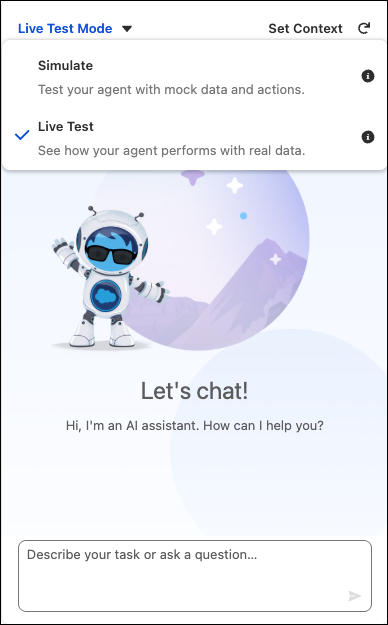
Agentforce Builder includes two different modes to test your agent: Simulate and Live
Test. Simulate mode helps you verify that your agent has the right configuration without risking
any changes to your actual data or org. Live Test mode actually runs the actions and changes
your org so you can see how the agent performs when it’s active.
Required Editions
Simulate Mode
Simulate mode offers a risk-free testing space. It's designed to check the agent's
setup—including its underlying logic and workflow—without changing your data. Use this mode
to verify that the agent is selecting the right subagents and actions and responding how you
want it to.
Working in this mode enables quick adjustments, troubleshooting, and confirmation of fixes
or new logic. It’s the best place to confirm the agent's initial configuration and validate
all setup parameters. When you’re confident your agent is behaving as expected, you’re ready
to move to Live Test mode.
Live Test Mode
Live Test mode is designed to test the agent's performance and behavior under conditions
that are similar to the production environment. When you’re testing in this mode, the agent
behaves as if it’s activated. The tests check its ability to run subagents and perform
actions and it actively updates Salesforce data. This step is important for a complete check
of actions and confirming that data is correct and system integration is working well.