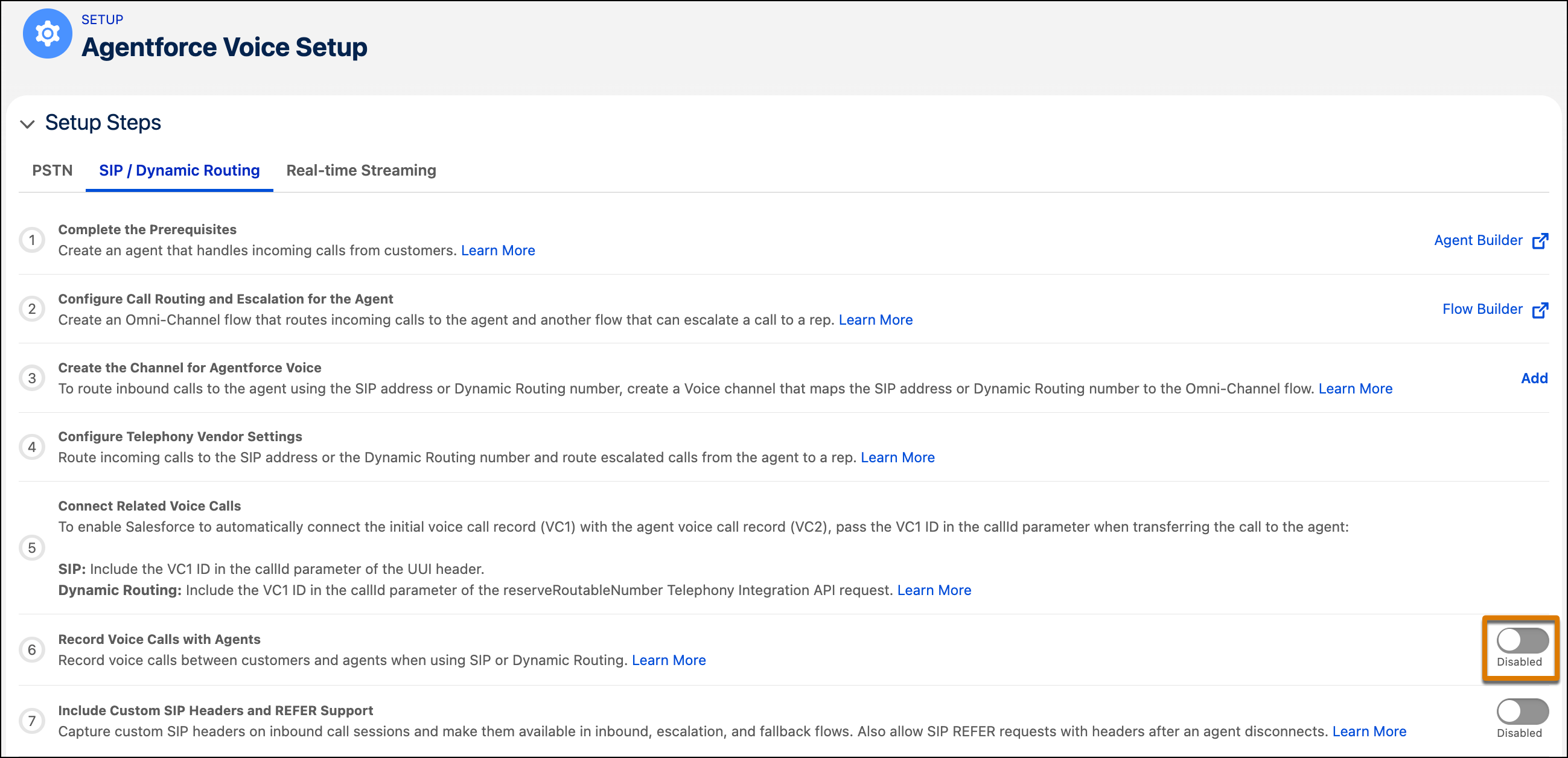
Turn on voice call recording to record calls between customers and agents. Recordings
use stereo separation for easy speaker identification, placing the customer on one channel and the
agent on the other. Salesforce stores each recording as an MP3 file and links it directly to its
voice call record.
Required Editions
| Available in: Lightning Experience |
| Available in: Enterprise, Unlimited, and Developer Editions
with Foundations or Agentforce 1 Editions, and Salesforce Voice add-ons. |
-
From Setup, in the Quick Find box, enter Agentforce Voice, then
select Agentforce Voice Setup.
-
Under Setup Steps in the Agentforce Voice Setup page, select the SIP / Dynamic Routing tab.
-
Enable the Turn On Voice Call Recording toggle.
-
To override the Record Voice Calls with Agents setting for an individual agent, add a Set
Recording and Transcription Behavior invocable action to the Omni-Channel flow that routes
calls to the agent. Use this invocable action to turn off voice call recording and
transcription for an agent.