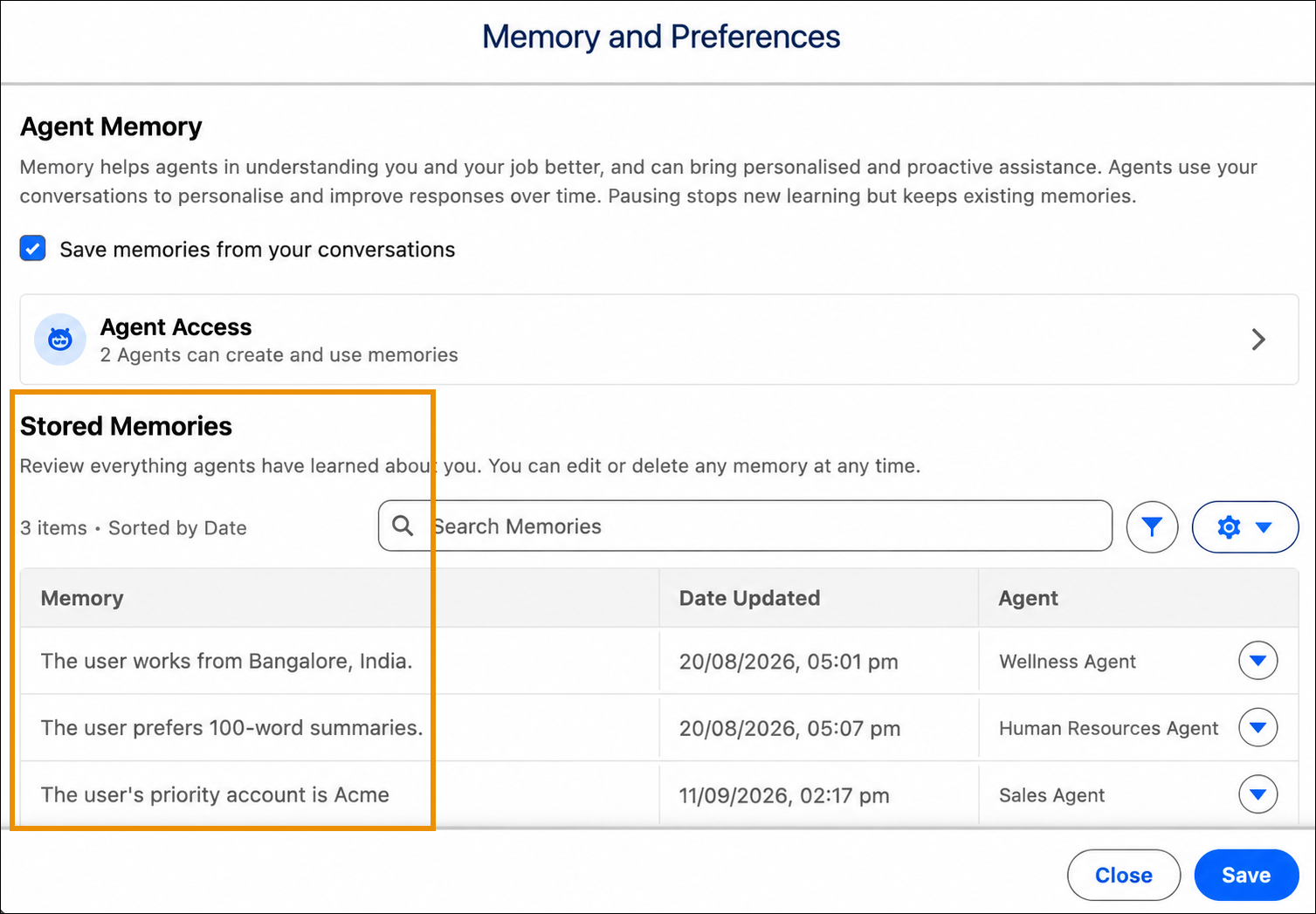
Review all memories stored from your agent conversations to understand what
information agents use to personalize your interactions. Each memory shows the content, date
last updated, and the agent that created it.
Required Editions
-
Click the Agentforce icon to launch Agentforce.
The Agentforce icon appears in the global header on all pages when Agentforce is
enabled for your org.
-
From the Agentforce panel, click Memory & Preferences.
-
Review the list of memories in Stored Memories.
View all stored memories in a sortable table. If no memories exist yet, start a
conversation with the agent, or type a phrase like remember this: I like
hydration reminders every two hours during work hours. to create a
memory.