
Export all stored memories for a specific agent to a markdown file. Use exported files to back up memories or transfer them to another system.
Required Editions
| Available in: Lightning Experience |
| Available in: Enterprise, Performance, Unlimited, and Developer Editions. Required add-on licenses vary by agent type. |
-
Click the Agentforce icon to launch Agentforce.
The Agentforce icon appears in the global header on all pages when Agentforce is enabled for your org.
- From the Agentforce panel, click Memory & Preferences.
-
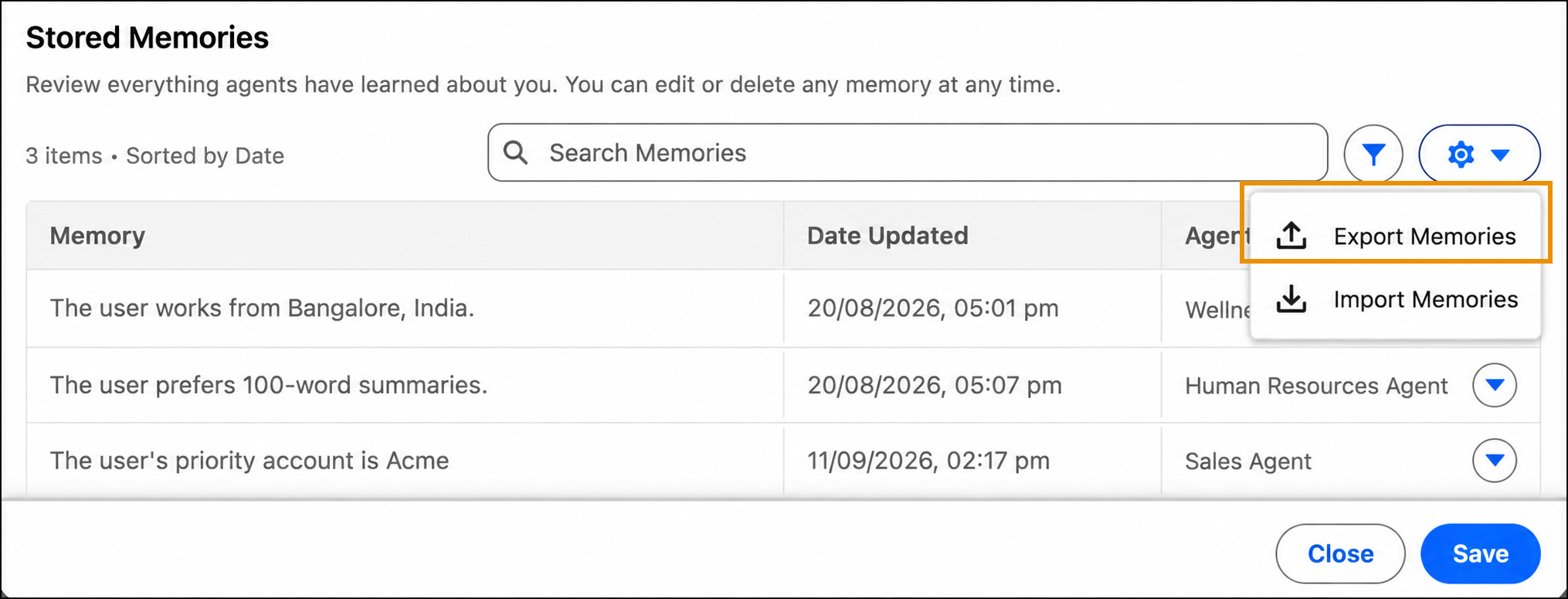
In Stored Memories, click the settings icon, and select
Export Memories.
-
In the export dialog, select the agent whose memories you want to export.
The export option is available only when the agent has stored memories.
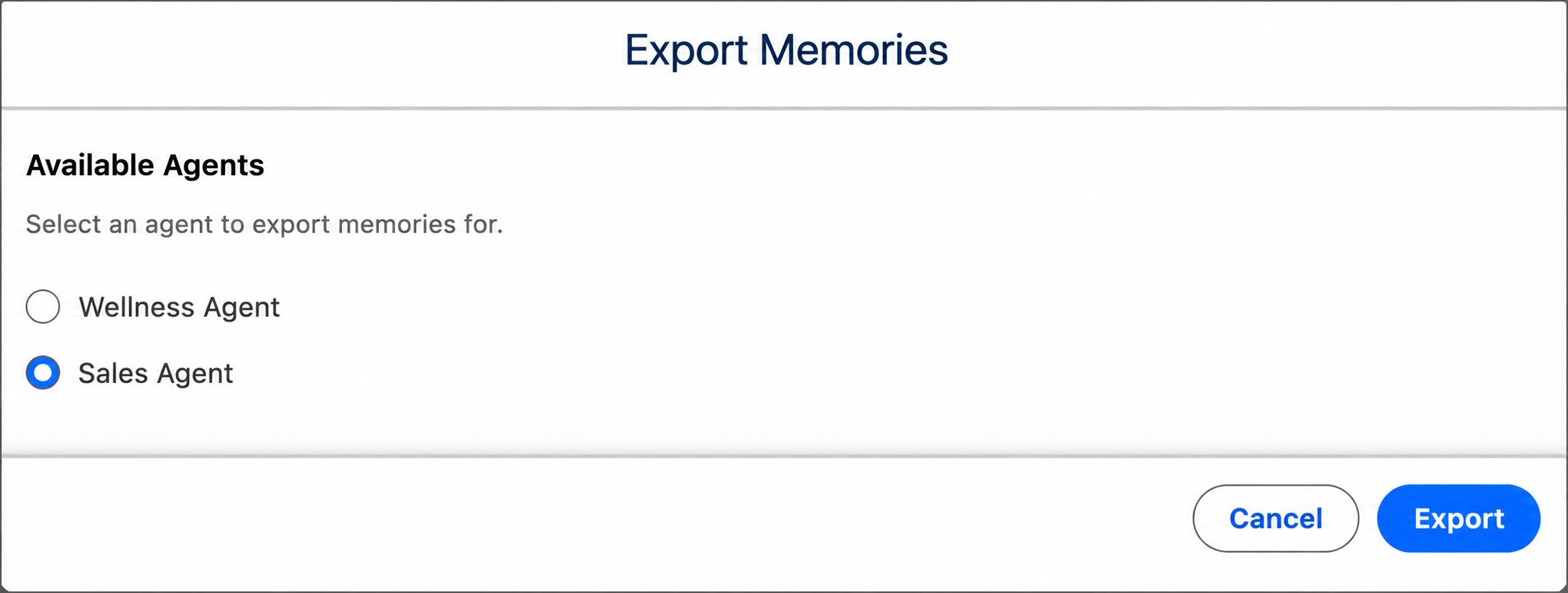
- Click Export.
A markdown file containing all memories for the selected agent downloads to your system. The file includes all memory content, formatted for easy viewing or reimporting. If an internal error occurs during export, you see "We can't retrieve memories." Try the export again.